.jpg)


.jpg)


.jpg)
.jpg)
.jpg)


.jpg)


.jpg)


.jpg)

.jpg)


.jpg)


(1).jpg)


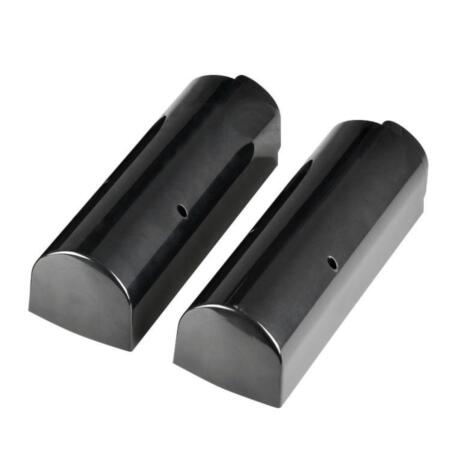
- Rear cover for the Optex Smart Line range of infrared barriers in pole mounting
- For barriers OPTEX-54 (SL-200QN), OPTEX-55 (SL-350QN), OPTEX-56 (SL-650QN), OPTEX-57 (SL-200QDP), OPTEX-58 (SL-350QDP), OPTEX-59 (SL-650QDP), OPTEX-60 (SL-200QDM), OPTEX-61 (SL-350QDM), OPTEX-62 (SL-650QDM), OPTEX-65 (SL-350QNR), OPTEX-66 (SL-350QFR) .
 ALARM.COM Systems
 VESTA Alarm
 VESTA Medical Alarm
 DAHUA systems
 U-PROX Systems
 Pyronix / HIKVISION systems
 HONEYWELL systems
 PARADOX systems
 VISONIC systems
 DSC systems
 DIY Home system alarm GRADE 1
 Alarm Transmission & Reception
 Volumetric Detectors
 Shock and Impact Detectors
 Magnetic Contacts
 Special Detectors
.jpg) Perimeter Detection
Perimeter Detection Sirens
 Anti-theft protection by fog
 Proactive safety smoke
 Cables
.jpg) Accessories
Accessories

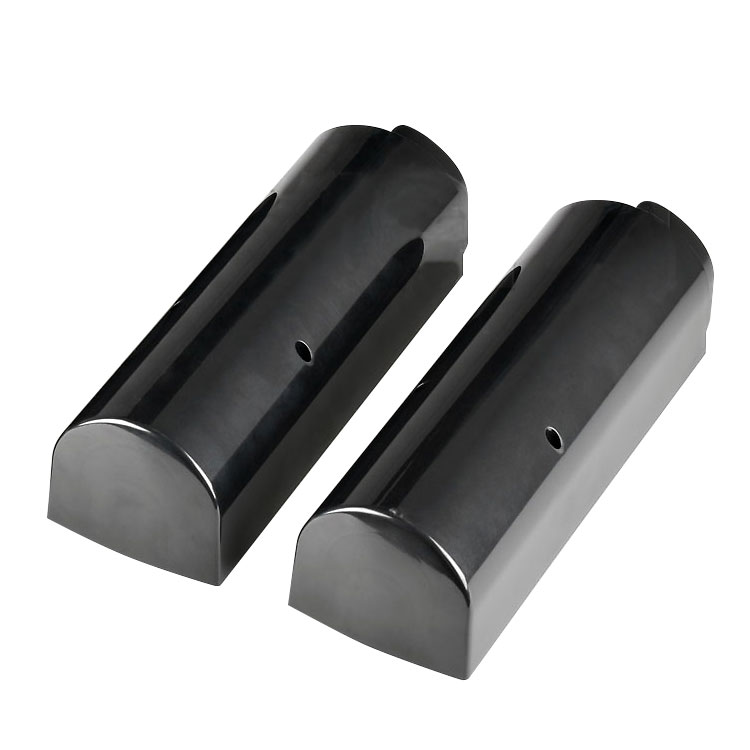
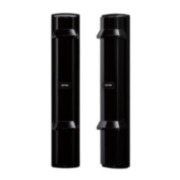
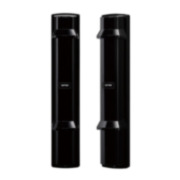
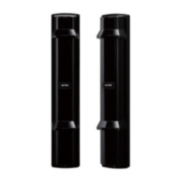
OPTEX-139BC-4Rear cover for the Optex Smart Line range of infrared barriers on pole mounts
Rear cover for the Optex Smart Line range of infrared barriers on pole mounts
OPTEX-139
BC-4
Main features
Specifications

Characteristic
- Rear cover for the range of Optex Smart Line infrared barriers in pole mounts
- Compatible with single frequency Optex Smart Line barriers: OPTEX-54 (SL-200QN), OPTEX-55 (SL-350QN), OPTEX-56 (SL-650QN)
- Compatible with the Optex Smart Line barriers with 4 frequencies and double modulation: OPTEX-57 (SL-200QDP), OPTEX-58 (SL-350QDP), OPTEX-59 (SL-650QDP)
- Compatible with Optex Smart Line barriers with 4 frequencies, double modulation and IASC and ATPC system: OPTEX-60 (SL-200QDM), OPTEX-61 (SL-350QDM), OPTEX-62 (SL-650QDM)
- Compatible with barriers via radio Optex Smart Line of a frequency or channel: OPTEX-65 (SL-350QNR)
- Compatible with Optex Smart Line radio barriers with 4 frequencies or channels: OPTEX-66 (SL-350QFR)
- It consists of a casing or trim that is fixed to the back of the Optex Smart Line photoelectric barrier, hiding the pole where they are installed.
- On the one hand, it gives the IR Barrier a much more aesthetic appearance and, in turn, provides additional protection for the photoelectric sensor against, for example, dust and water, to name a few.
| REFERENCE / MODEL | OPTEX-139 / BC-4 |
|---|---|
| Accessories | Boxes |
Documentation
| Language | Name | Type | Action | |
|---|---|---|---|---|
| | Image | |||
EN | | Self-generated File |
.jpg)
.jpg)
.jpg)