
.jpg)


.jpg)


.jpg)
.jpg)
.jpg)


.jpg)


.jpg)


.jpg)

.jpg)


.jpg)


(1).jpg)


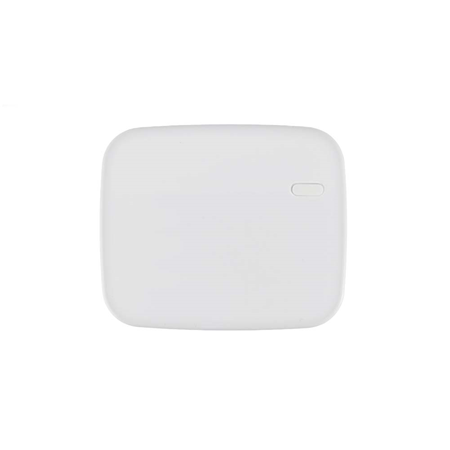
- Remote control of motorized blinds, up, down, stop and pause
- Suitable for motorized blinds, window shades, blinds, projection screens, awnings, pergolas, garage doors or gates
- Two motor outputs for automatic and remote control
- Two local switches for optional manual control
- Random supervisory signals to verify system integrity
- Zero crossing detection to prevent sparks
- Strain relief clamp to secure cables and provide protection against metal cuts
- Wiring buckle used to manage cables
- Enable smart home security systems according to custom schedules and scenes
- Manageable through App and web browser
- Compatible with VESTA F1 systems
- LED indicators
- Designed for home automation and security applications
 ALARM.COM Systems
 VESTA Alarm
 VESTA Medical Alarm
 DAHUA systems
 U-PROX Systems
 Pyronix / HIKVISION systems
 HONEYWELL systems
 PARADOX systems
 VISONIC systems
 DSC systems
 DIY Home system alarm GRADE 1
 Alarm Transmission & Reception
 Volumetric Detectors
 Shock and Impact Detectors
 Magnetic Contacts
 Special Detectors
.jpg) Perimeter Detection
Perimeter Detection Sirens
 Anti-theft protection by fog
 Proactive safety smoke
 Cables
.jpg) Accessories
Accessories

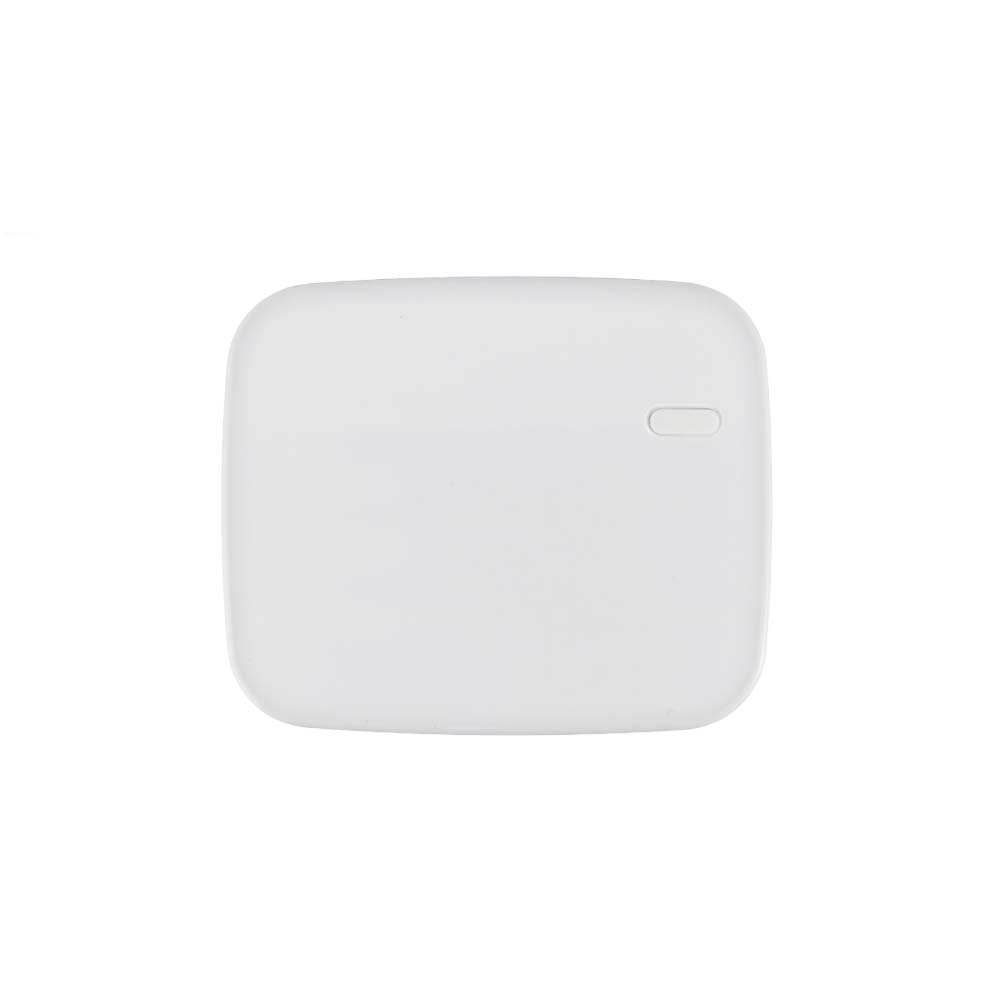
VESTA-103SCM-8-F1Remote control of motorized blinds, up, down, stop and pause
Remote control of motorized blinds, up, down, stop and pause
VESTA-103
SCM-8-F1
View previous model
VESTA motorized blinds remote controller VESTA-178
Refurbished
View refurbished alternative, more cost-effective VESTA-103-RE
Main features
Specifications

Specs
Frequency: 868MHz
Power supply: 110V ~ 230V AC
Supported charging current: 1/2 HP; 3.6A for motors with compensated power factor (inductive loads)
-10 ° C ~ + 45 ° C operating temperature
Operating humidity up to 85% (non-condensing)
Dimensions: 86 (W) x 72 (H) x 29 mm
| REFERENCE / MODEL | VESTA-103 / SCM-8-F1 |
|---|---|
| Protocol | F1 |
Documentation
| Language | Name | Type | Action | |
|---|---|---|---|---|
EN | | Certificate | ||
| | Image | |||
| | Image | |||
| | Image | |||
| | Image | |||
ES | | Manual | ||
FR | | Manual | ||
IT | | Manual | ||
EN | | Manual | ||
EN | | Self-generated File |