.jpg)


.jpg)


.jpg)
.jpg)
.jpg)


.jpg)


.jpg)


.jpg)

.jpg)


.jpg)


(1).jpg)


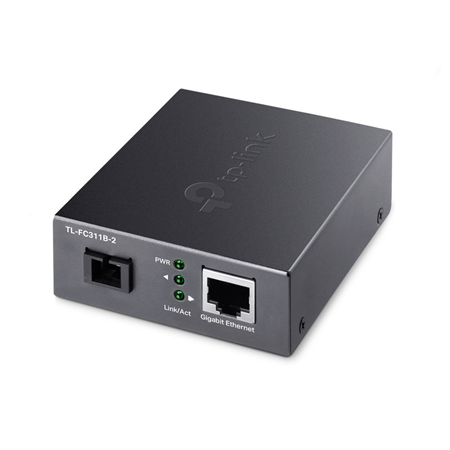
- Gigabit WDM Omada by TP-Link media converter
- Converts fiber signals from Lens to Ethernet and vice versa
- 1 RJ45 Gigabit port
- 1 Gigabit SC fiber port
- Extends fiber up to 2 km
 ALARM.COM Systems
 VESTA Alarm
 VESTA Medical Alarm
 DAHUA systems
 U-PROX Systems
 Pyronix / HIKVISION systems
 HONEYWELL systems
 PARADOX systems
 VISONIC systems
 DSC systems
 DIY Home system alarm GRADE 1
 Alarm Transmission & Reception
 Volumetric Detectors
 Shock and Impact Detectors
 Magnetic Contacts
 Special Detectors
.jpg) Perimeter Detection
Perimeter Detection Sirens
 Anti-theft protection by fog
 Proactive safety smoke
 Cables
.jpg) Accessories
Accessories

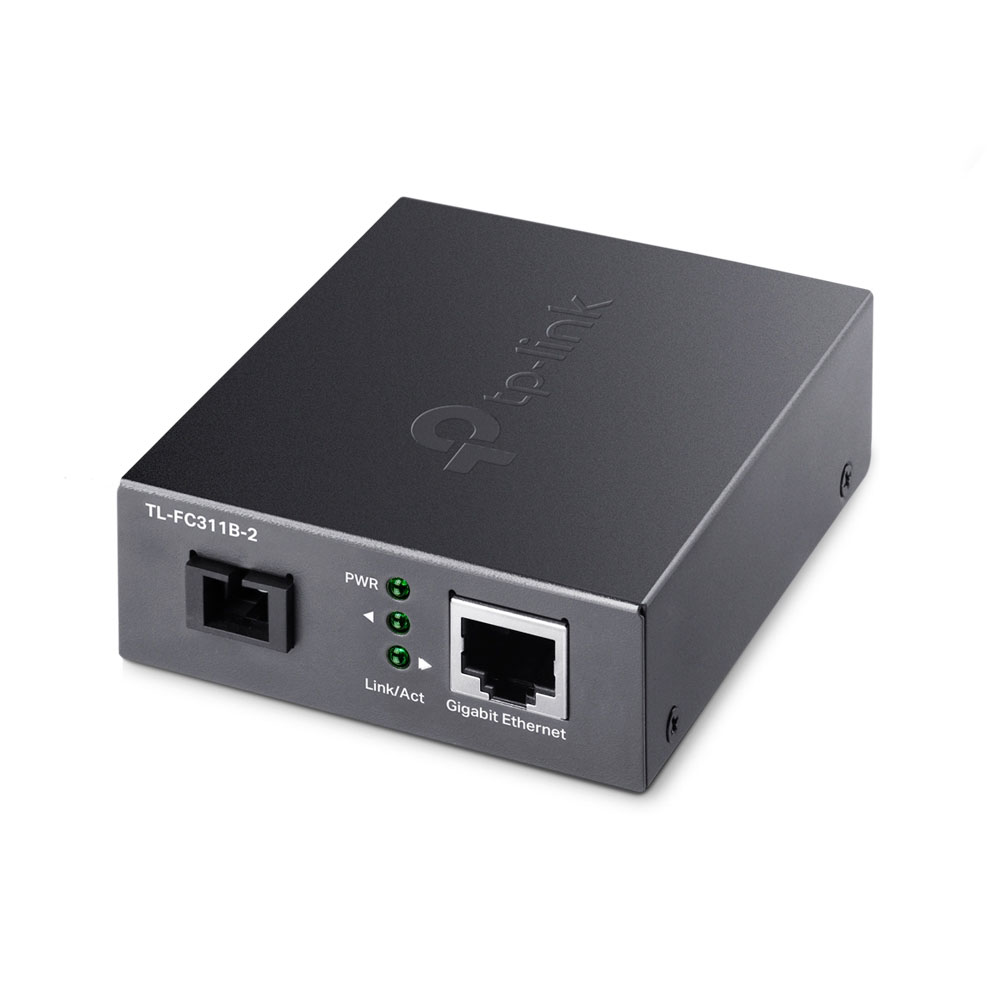
TPLINK-074FC311B-2Gigabit WDM Media Converter
Gigabit WDM Media Converter
TPLINK-074
FC311B-2

Main features
Specifications
Documentation
| Language | Name | Type | Action | |
|---|---|---|---|---|
| | Image | |||
| | Image | |||
| | Image | |||
| | Image | |||
| | Image | |||
| | Image | |||
EN | | Self-generated File |